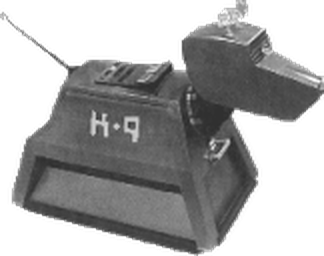
Welcome
Welcome to ChatNet's Channel Service web site. K9 has been ChatNet's channel service since the network's first month, in March 1996. Here you will find how to register your channel, what K9 can do for it, and who the Channel Service team is.
DogTag — your nickname and account
DogTag is ChatNet's nickname service: it keeps your nick reserved and holds your account. The same
nick and password you use to identify on IRC are the ones you use to log in on this page. Identify with
/msg DogTag IDENTIFY <password>, or set up
SASL to log in automatically when you connect.
Register your channel — it's free
Registration is free and needs no approval: no waiting list, no request form. Create your account once, then register the channel:
/msg DogTag REGISTER <password> <email>
/msg K9 REGISTER #yourchannel
Already registered? Use Login (top right) to manage access, bans and settings from the web.
What K9 does
K9 keeps your channel's access list with numeric levels, its ban list and auto-modes, protects it against flooding, and looks after founders and successors. The full command list is on the K9 page.
Channel Service Team
The people who look after K9 and help with channel problems and questions. Meet the team · Staff rules
Information
CService Team
/msg K9 REGISTER #channel), not from this page.